
Easy Skatteverket Login with the Freja eID App
If you live, work, or run a business in Sweden, you’ll eventually need to interact with Skatteverket, the Swedish Tax Agency. From declaring taxes to registering your residency, most official procedures happen through their digital platform.
While BankID is the most common way to log in, many newcomers use the Freja eID app as a secure, government-approved alternative. This guide shows you exactly how to set it up and access your tax records.
Quick Facts
- Best for: Newcomers, international workers, and those without a Swedish bank account yet
- Primary tool: Freja eID app (iOS and Android)
- Key benefit: Allows access to government services before you have a Swedish bank
- Official Website: Skatteverket.se
1. Setting Up Your Freja eID
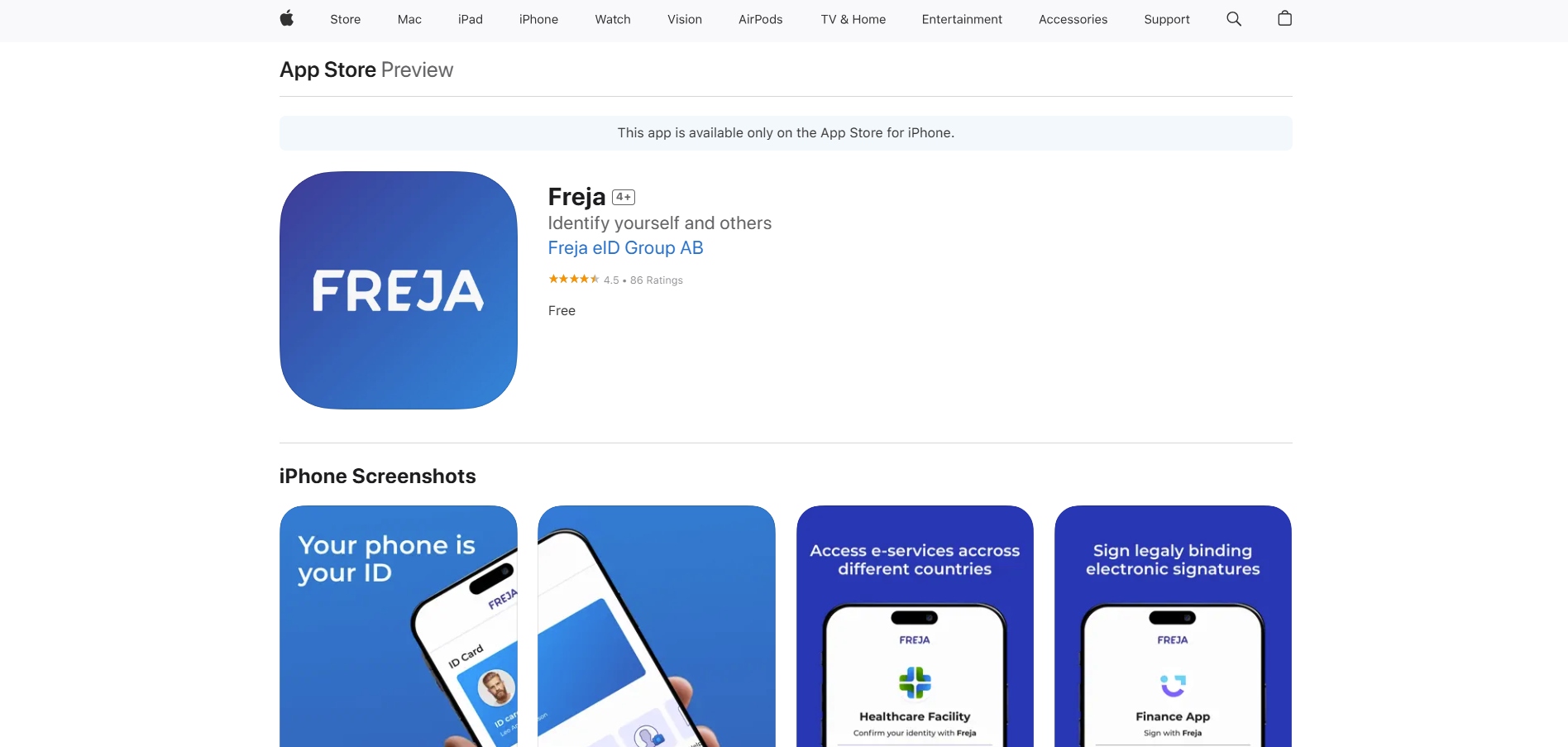
Before you can log in to Skatteverket, you must first verify your identity in the Freja app.
Steps:
- Download the Freja eID app from the App Store or Google Play.
- Sign up using your email and create a PIN.
- Verify Identity: You will need to take a photo of your passport (or Swedish ID card) and a selfie.
- Physical Verification: For the “Plus” level (required for Skatteverket), you may need to visit a local agent (like a Pressbyrån or ATG local shop) to show your physical ID.
2. Step-by-Step Guide to Logging In
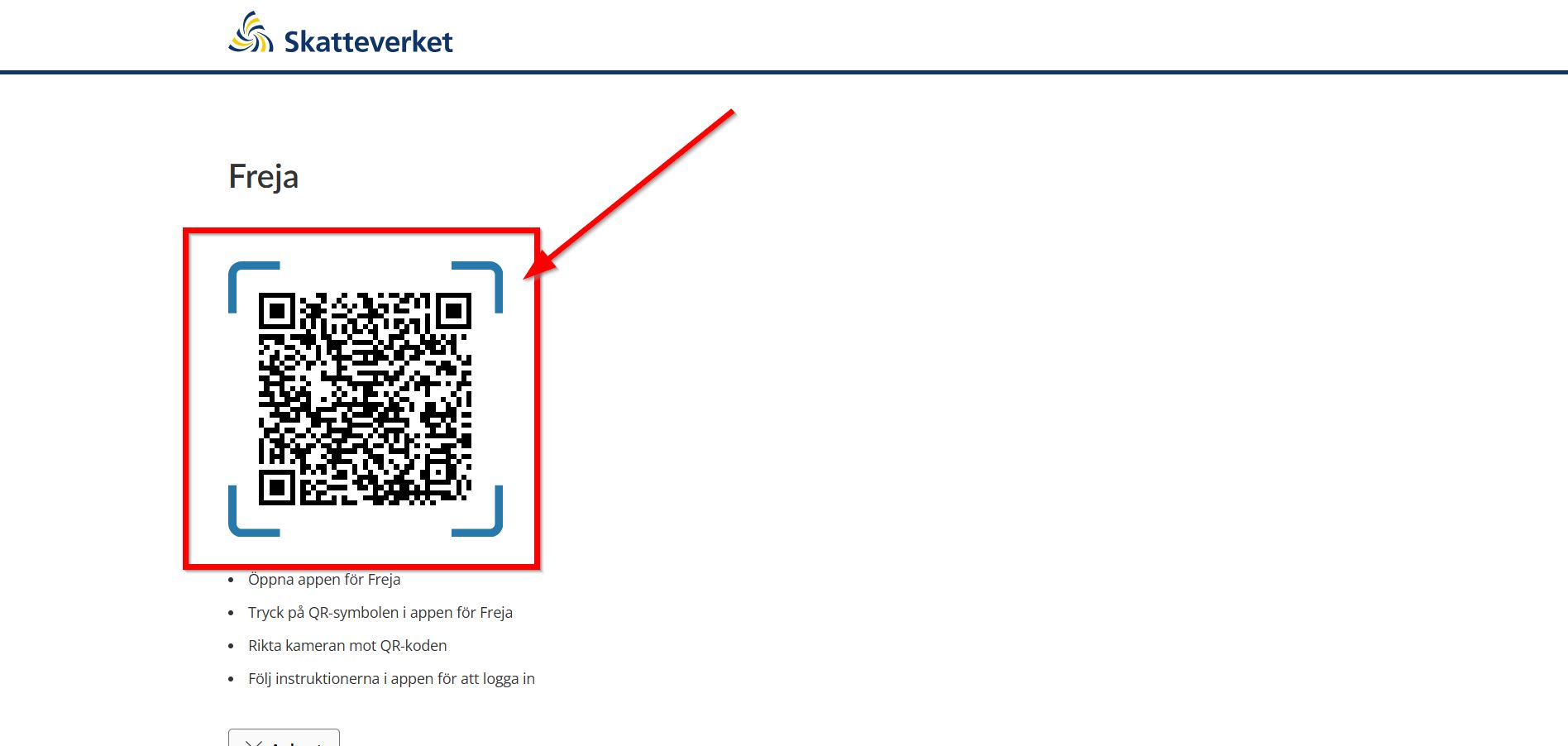
Once your Freja eID is active, logging in to the Tax Agency takes less than a minute.
Step 1: Visit Skatteverket
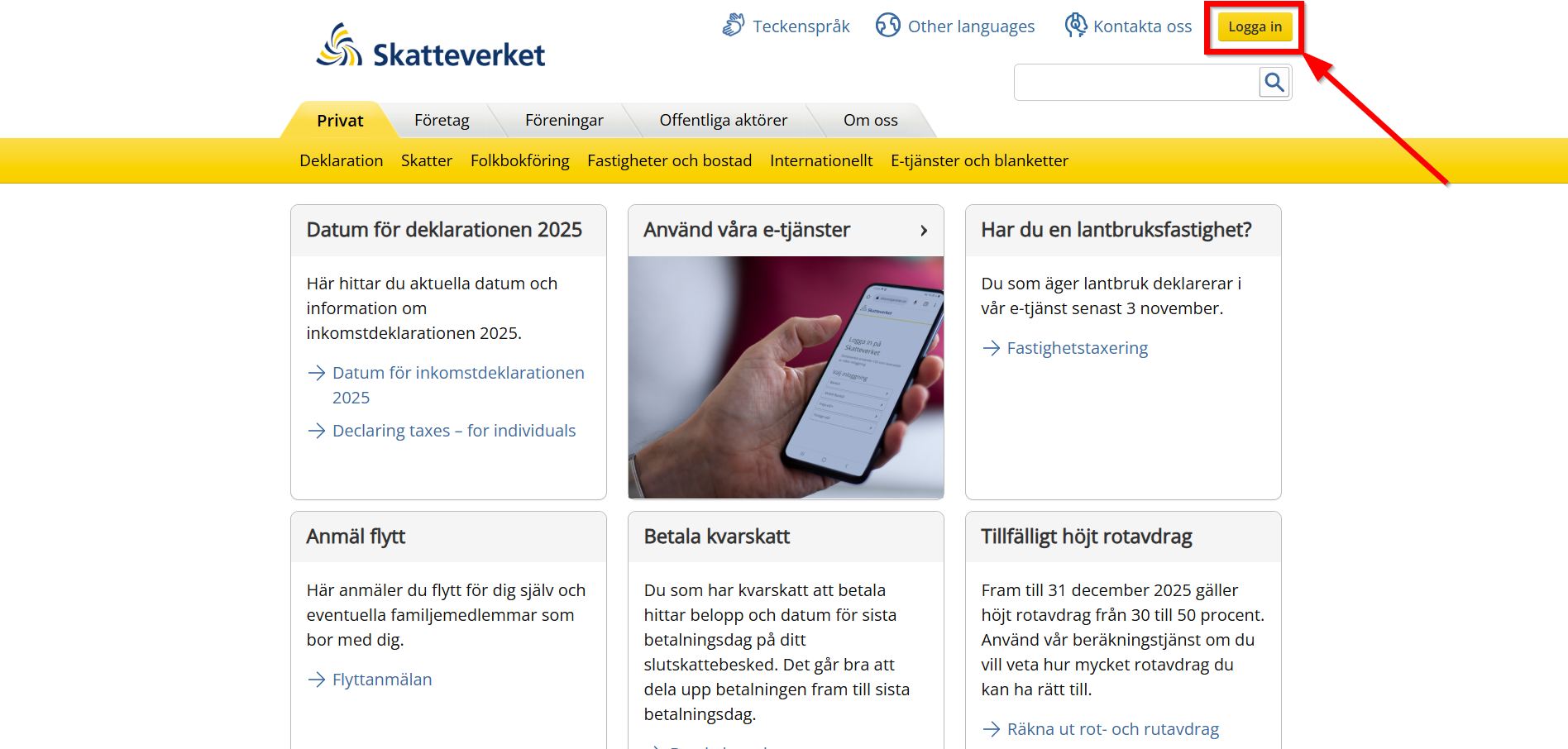
On your computer or tablet, go to Skatteverket.se.
Step 2: Click “Logga in”
Look for the “Logga in” button at the top right of the page.
Step 3: Select Freja eID
You will be presented with several options (BankID, Freja eID, etc.). Select Freja eID.
Step 4: Scan the QR Code
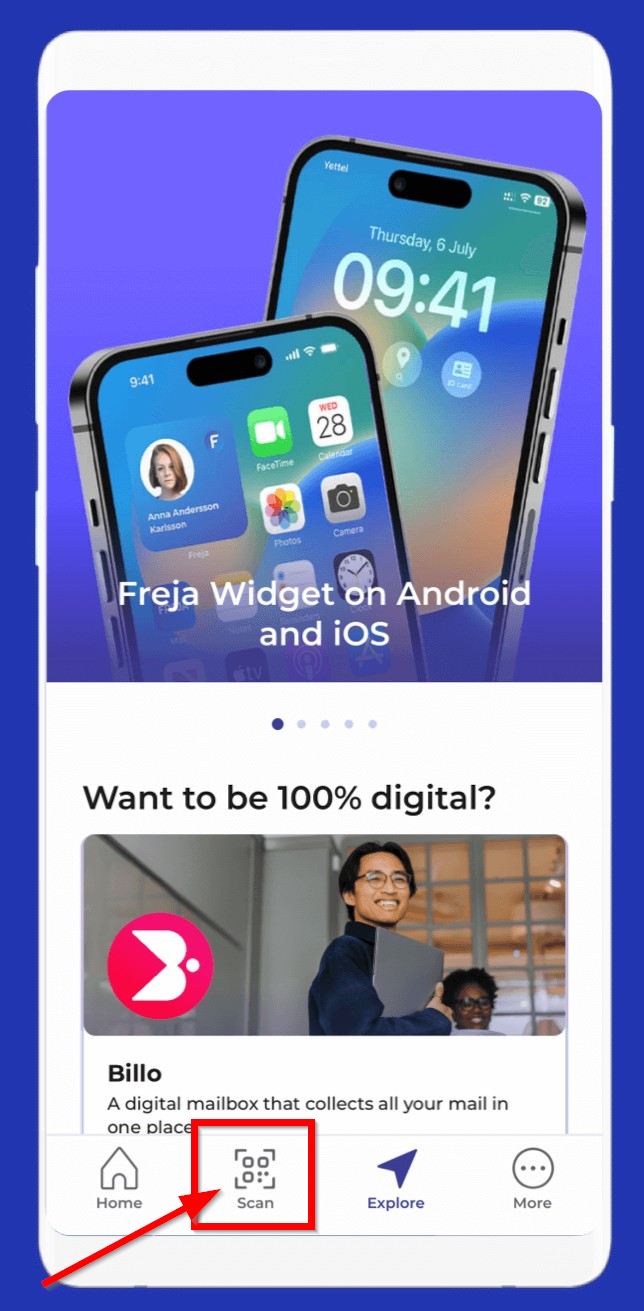
Open the Freja app on your phone, tap the scanner icon, and point it at the QR code on your computer screen.
Step 5: Confirm with PIN
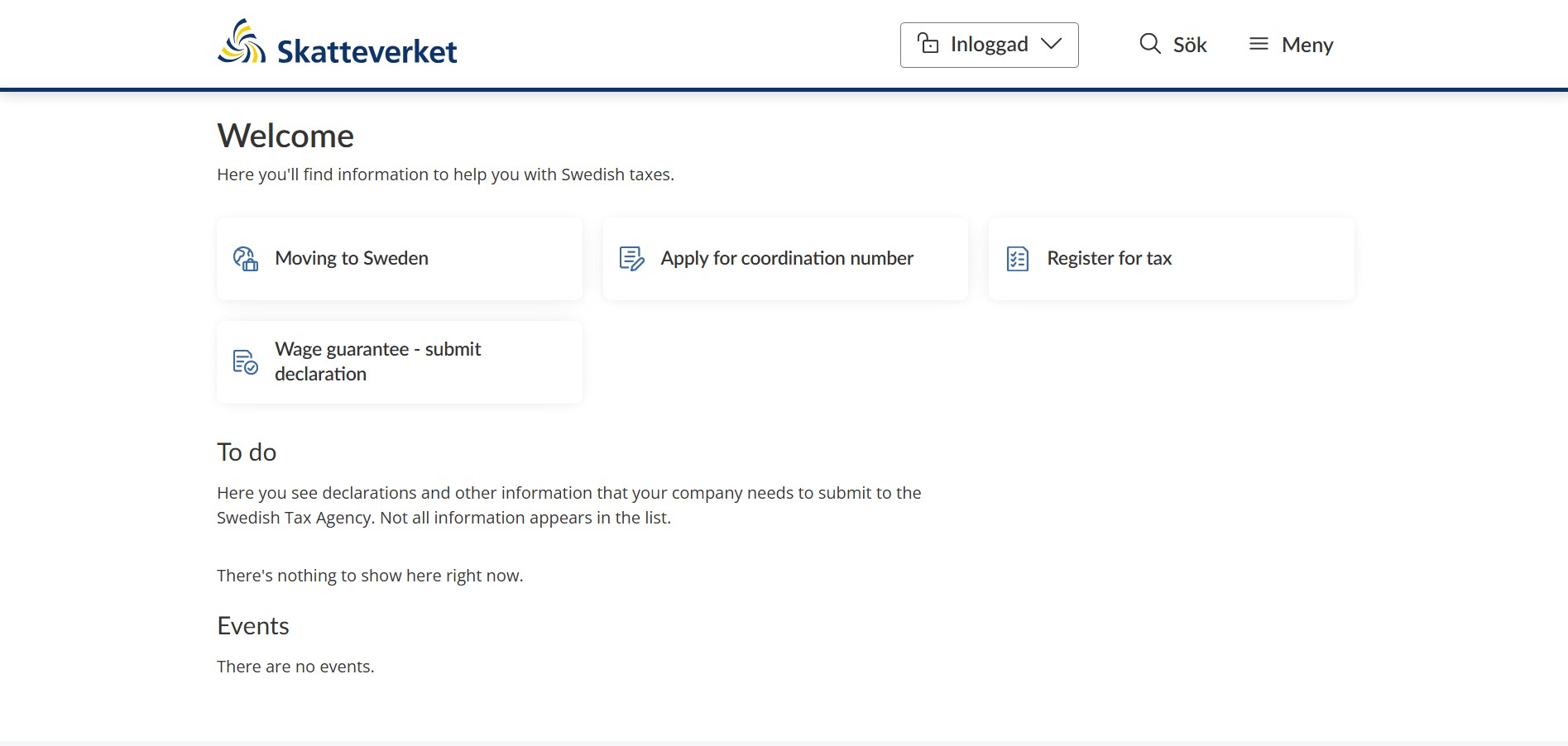
Confirm the login on your phone by entering your PIN or using biometric data (FaceID/Fingerprint).
3. Skatteverket Offices in Stockholm (Service Centers)
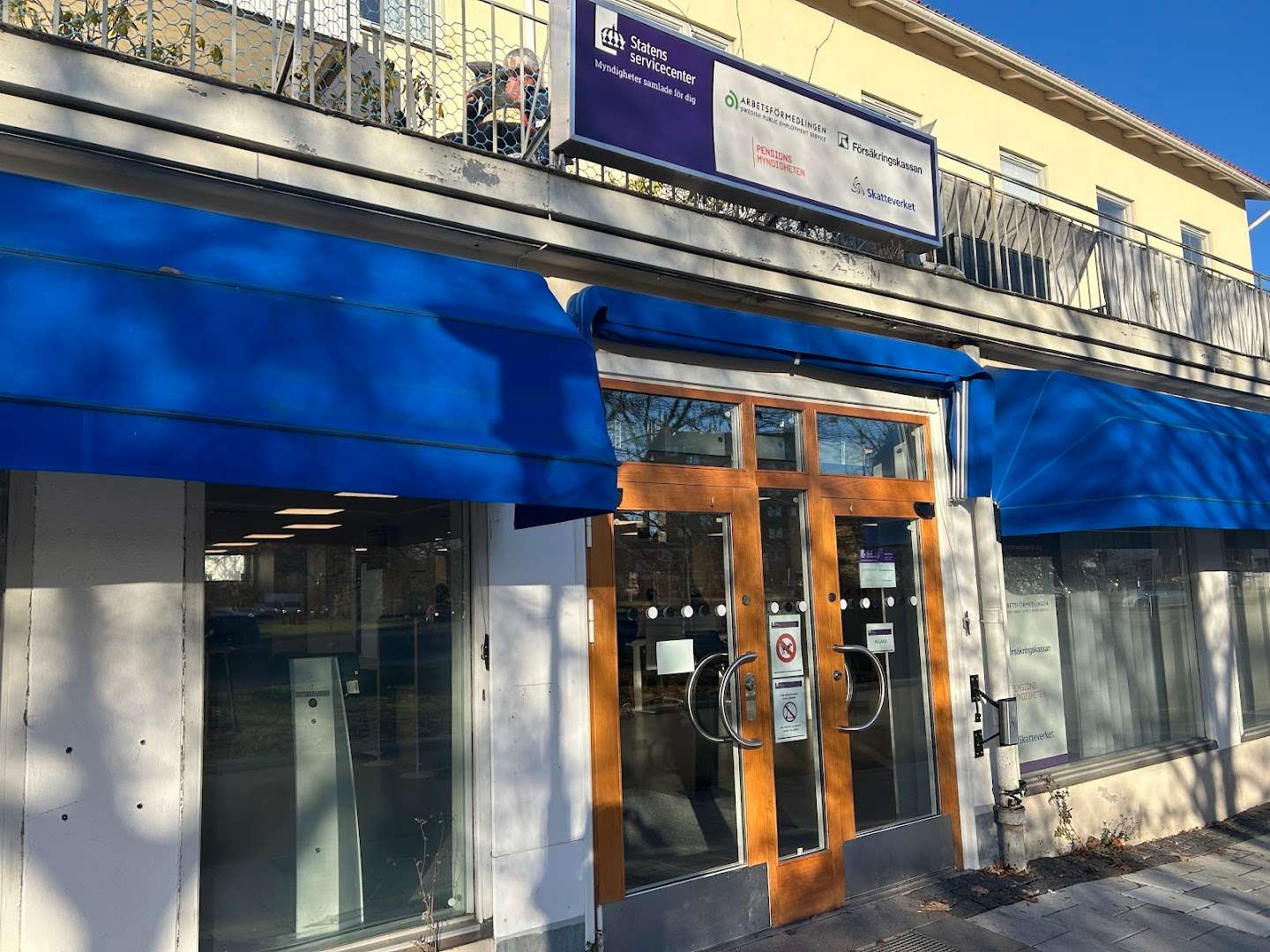
If you need in-person help with your residency or “Personnummer” application, you can visit one of the many Statens Servicecenter locations in Stockholm.
| Location | Address | Hours (Mon-Fri) |
|---|---|---|
| Kista | Isafjordsgatan 30 D | 10:00 am - 4:00 pm |
| Liljeholmen | Liljeholmsvägen 22 | 10:00 am - 4:00 pm |
| Globen | Arenavägen 21 | 10:00 am - 4:00 pm |
| Brommaplan | Brommaplan 418 | 10:00 am - 4:00 pm |
Note: It is highly recommended to book an appointment online before visiting, as wait times can be long.
Frequently Asked Questions
Can I use Freja eID without a Swedish Personal Number?
Yes, but your access will be limited. To log in to Skatteverket’s “My Pages”, you generally need a Personal Number (Personnummer) or a Coordination Number (Samordningsnummer) linked to your Freja account.
Is Freja eID as secure as BankID?
Yes. It is a government-approved e-ID used by millions of Swedes and is held to high security standards.
What can I do once I’m logged in?
You can change your address, view your income statements, file your yearly tax return, and request official transcripts (Personbevis).
Final Thoughts
Managing your taxes in Sweden doesn’t have to be complicated. The Freja eID app provides a reliable bridge for newcomers and residents alike. By moving your interactions with Skatteverket online, you’ll save hours of time and gain clearer control over your financial status in Sweden.
Read More About Living in Stockholm
- No BankID Transactions in Sweden — How to manage your money while waiting for your local bank account.
- Ping Pong Stockholm: Student Login — Access your courses at Komvux or SFI.
- Explore All Lifestyle Guides — Browse our complete collection of Stockholm living and administrative tips.