
TimRapporten Stockholm: Digital Time Reporting for City Employees
If you work as an hourly employee for the City of Stockholm (Stockholm Stad), you will most likely use TimRapporten. This digital portal is the official way to track your shifts, ensure you get paid correctly, and access your monthly salary slips.
Whether you are working in elderly care, at a school, or in city administration, this guide will help you navigate the system and meet your reporting deadlines.
Quick Facts
- Best for: Hourly workers and substitutes employed by Stockholm Stad
- Official Website: timrapporten.stockholm.se
- Login Method: Primarily BankID
- Key Deadline: The 3rd day of the following month (23:59)
1. How to Login and Report Hours
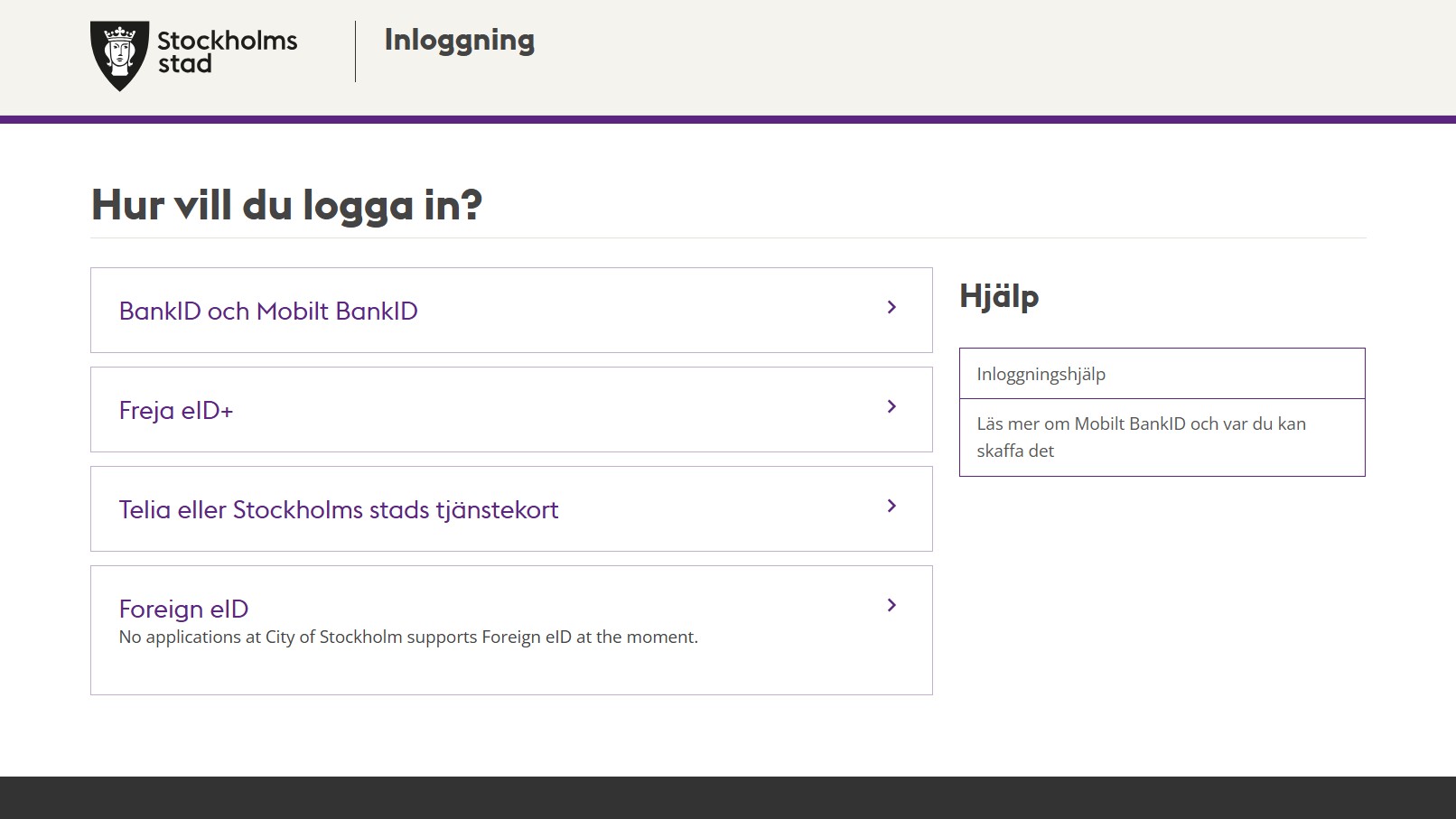
You can access TimRapporten from any computer, tablet, or smartphone.
Steps to report:
- Go to timrapporten.stockholm.se.
- Log in using your BankID.
- Select your current employment (if you have more than one).
- Go to the Calendar view and click on the date you worked.
- Enter your start time, end time, and break duration.
- Click Save (Spara).
2. Key Deadlines and Payment
Your reported hours are automatically transferred to the payroll system once a month.
- Reporting Deadline: You must have all your hours for the previous month entered by the 3rd day of the new month at 23:59.
- Missed Deadlines: If you forget to report by the 3rd, you cannot do it online. You will have to fill out a paper form and have your manager sign it manually to get paid in the next cycle.
- Salary Slips: You can view your pay slip (Lönespecifikation) in TimRapporten a few days before payday (usually the 25th of the month).
3. What Cannot Be Reported Online

While TimRapporten is great for regular hours, some things still require manual paperwork or reporting to your manager:
- Sick Leave (Sjukfrånvaro): You must call your workplace directly to report illness.
- VAB (Care of Child): This is handled through Försäkringskassan and your manager.
- Overtime (Övertid): Any extra hours beyond your scheduled shift usually need manual approval.
- Unsocial Hours (OB): You don’t need to report these separately; the system calculates them automatically based on the times you enter.
Frequently Asked Questions
I just started but I can’t log in?
It often takes 24-48 hours after your manager has registered your employment for your account to become active. If you still can’t log in after three days, contact your local unit manager.
How long do I have access after my job ends?
You can typically log in to view and download your salary slips for up to 60 days after your last day of employment.
Who do I contact if my pay is wrong?
First, talk to your manager to see if the hours were approved. If the hours are correct but the pay is wrong, you can contact Serviceförvaltningen at 08-508 11 050.
Final Thoughts
TimRapporten is designed to make life easier for the thousands of people who keep Stockholm running. By staying on top of your reporting and respecting the monthly deadlines, you ensures that your hard work is reflected accurately in your bank account every month.
Read More About Living in Stockholm
- Skatteverket Login via Freja eID — How to handle your taxes as a worker in Sweden.
- No BankID Transactions in Sweden — Financial tips for those awaiting their full Swedish bank account.
- Explore All Career Guides — Browse our collection of tips for working and living in the Swedish capital.